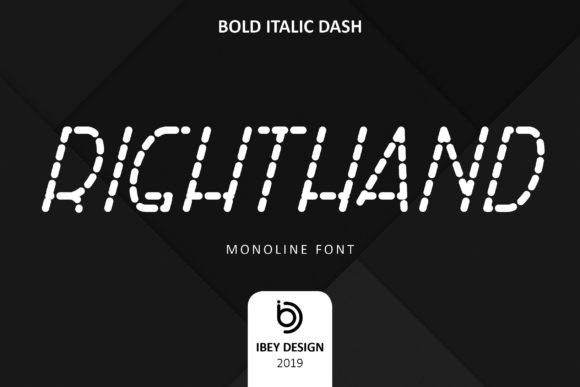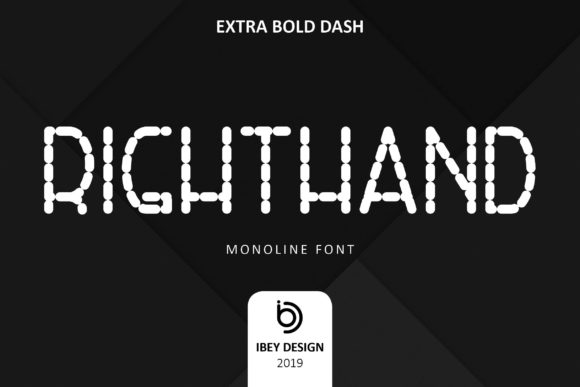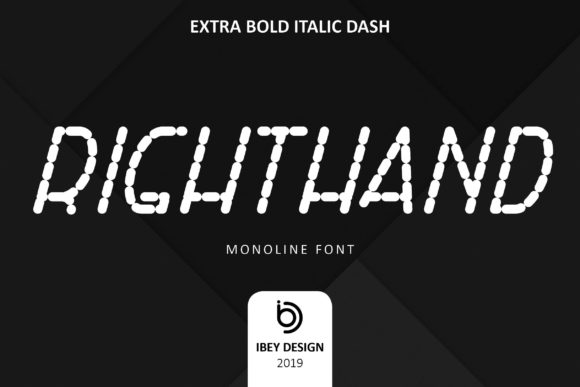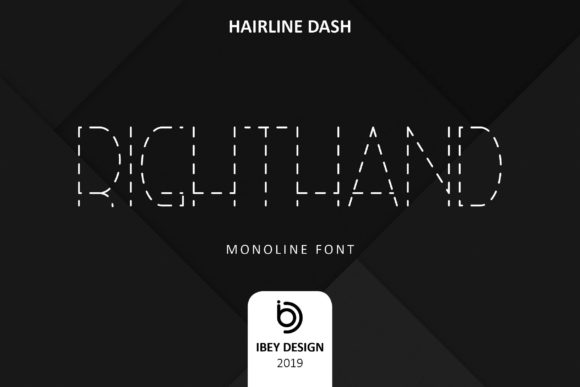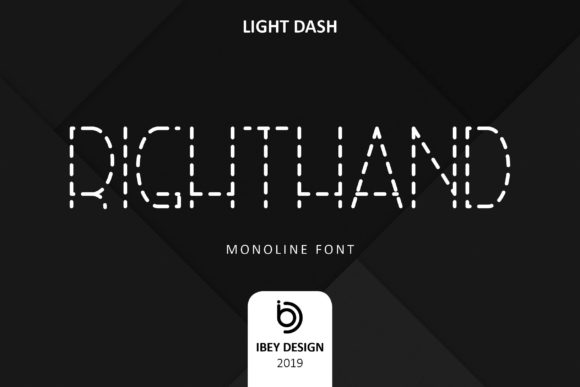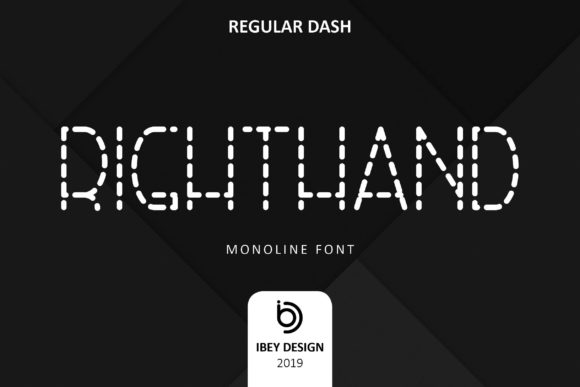
Right Hand Dash
Right Hand Dash is a refined monoline font built from a single, consistent stroke—clean, confident, and quietly expressive. Unlike decorative scripts that rely on thick-and-thin contrast or exaggerated flourishes, Right Hand Dash delivers clarity through restraint. Its modern rhythm makes it equally at home on a wedding invitation, a minimalist product label, or a subtle watermark over a photography portfolio. It’s not just “pretty”—it’s purpose-built for legibility at small sizes, scalability across media, and visual harmony in branding systems.
Assuming it works the same way as other script fonts
Many designers instinctively treat Right Hand Dash like a traditional brush or calligraphic script—expecting natural entry/exit strokes, variable spacing, or organic flow. But it’s intentionally engineered for precision: uniform line weight, tightly calibrated letterfit, and open counters that resist crowding. Using it with default tracking settings designed for serif or sans-serif type can make words look cramped or disconnected. For example, applying standard body-text kerning values to “Bakery & Co.” in Right Hand Dash often results in awkward gaps between “&” and “Co.”—not because the font is flawed, but because its spacing logic assumes deliberate, context-aware adjustment.
Instead, test spacing at real-world sizes first: set your headline at 36pt on a mockup of your Instagram post or packaging label, then zoom out to 100%. Adjust tracking in 5–10-unit increments—not by eye alone, but by how the word breathes as a shape. Most successful uses pair Right Hand Dash with a neutral sans-serif (like Inter or Manrope) for supporting text, letting its monoline elegance stand without competition.
Overlooking licensing scope before downloading or buying
Right Hand Dash is available in multiple weights and styles—but not all versions include commercial rights, and some licenses restrict use in templates, SaaS platforms, or client work unless upgraded. A freelance designer once embedded it into a Canva template sold to hundreds of small businesses, only to receive a compliance notice months later. The issue wasn’t misuse of the font itself, but assuming the free trial or basic desktop license covered digital redistribution.
Before downloading or purchasing, check three things: (1) whether your intended use falls under “personal,” “standard,” or “extended” license terms; (2) if web embedding (e.g., via @font-face) or app usage requires separate authorization; and (3) whether your client’s final deliverables—like a Shopify theme or printed stationery suite—trigger additional fees. Reputable foundries list these clearly on the product page; if details are vague or buried, contact support directly before committing.
Treating it as a one-size-fits-all solution
Right Hand Dash excels in short-form, high-impact contexts—logos, headlines, labels, social bios—but isn’t optimized for long paragraphs or dense UI text. Its lowercase ‘a’, ‘g’, and ‘s’ have subtle closed forms that reduce distinction at small sizes, and its even stroke weight can blur in low-resolution environments (like certain email clients or older printers). One educator tried using it for an entire workshop handout, only to find attendees skipping lines or misreading “then” as “them.”
Use it where it shines: for names, tags, quotes, and accent text. Pair it thoughtfully—never as a full typographic system on its own. If you need extended readability, choose a complementary text face with similar x-height and proportions, and reserve Right Hand Dash for moments that need tonal emphasis: a tagline, chapter opener, or embroidered detail on apparel packaging.
Misjudging contrast and background compatibility
Because Right Hand Dash relies on a single-line structure, it needs sufficient contrast to remain legible—especially over photos, gradients, or textured backgrounds. A common oversight is placing it directly over busy imagery without testing grayscale conversion or simulating screen glare. What looks elegant on a designer’s calibrated monitor may vanish on a phone screen outdoors.
Always preview in context: drop the font onto your actual background image at final size, then desaturate the preview to check luminance contrast. If letters fade or merge, add a subtle drop shadow (1px blur, 70% opacity, black at 20% opacity), or use a translucent overlay behind the text block—not a solid white box, which breaks visual flow. For watermarks, reduce opacity to 15–25% and increase scale slightly; the goal is recognition, not obstruction.
Skipping the test print or physical proof
Digital previews rarely capture how Right Hand Dash behaves on physical substrates. Its fine lines can disappear in uncoated paper stock, bleed slightly on kraft labels, or appear thinner than expected in foil stamping. A small-batch candle maker chose it for jar labels, approved the PDF proof, and discovered too late that the delicate terminals vanished entirely when printed on recycled matte paper.
Order a physical proof—even a single label or business card—before full production. Check edge sharpness, ink spread, and how light interacts with the line weight. If printing digitally, ask your vendor about minimum line thickness requirements (often 0.25–0.3 pt for crisp results). For embroidery or laser engraving, confirm digitization compatibility—some monoline fonts require manual path simplification to avoid stitch density issues.
Underestimating file format limitations
Right Hand Dash is typically delivered in OTF and WOFF2 formats—but not all platforms support OpenType features like stylistic alternates or ligatures out of the box. A marketer uploaded it to a DIY website builder, selected the “swash ‘y’” alternate from the font menu, and saw no change. The builder only loaded the base OTF, ignoring the extra glyphs stored in the font’s feature tables.
If you need specific alternates or contextual forms, verify platform support first. For web use, generate a custom WOFF2 subset (using tools like Glyphhanger or Transfonter) that includes only the characters and features you’ll actually deploy—reducing load time and avoiding rendering inconsistencies. For desktop apps, enable OpenType features manually in Illustrator (Window > Type > OpenType) or InDesign (Character panel menu > OpenType > Discretionary Ligatures).
Right Hand Dash rewards intentionality—not just aesthetic preference. When chosen and applied with attention to context, medium, and audience, it adds quiet authority and cohesion. It won’t fix weak hierarchy or unclear messaging—but paired with thoughtful layout, appropriate contrast, and realistic expectations, it becomes a reliable tool, not just a trend.